Your room. Your rules.
Redesign any room from a single photo — then change exactly what you want and keep the rest. Modern, Luxury, Japandi and more, in seconds.
Upload a photo, pick a style — your redesign is ready in about 20 seconds.
 After
After

Redesign a room now
Upload a photo — or pick a sample — choose a room and style, and see it transform. Free, right here.
100% free · 1 redesign · No signup · No credit card · Powered by DecorIn AI
Three steps. A new room in seconds.
No experience or design skill needed.
Upload a photo
Take or upload a photo of any room, exterior or space to start.
Choose your style
Pick from 35 designer styles — or type exactly what you want changed.
See the result
Your space returns fully styled and photorealistic — ready to save or refine.
Everything you need, included.
No signup to start. No credit card. Just upload a room and design — the way it should be.
Get the appChange what you want. Keep everything else.
Every other AI tool redesigns the whole room from a prompt. DecorIn gives you control — edit one thing at a time and leave the rest exactly as it is.
From a flat floor plan to a room you can see.
Upload a 2D floor plan and DecorIn returns a furnished, photorealistic 3D render — walls, furniture, light and all. Something almost no web tool offers.
Try it free above- ✓Upload any 2D floor plan
- ✓Get a photorealistic 3D render
- ✓Furniture, walls & light included

Change one spot. Leave the rest untouched.
Drag over any area — an empty nook, a wall, a single shelf — and DecorIn restyles just that spot. Everything around it stays exactly as it was. No full-room regeneration, no surprises.
How to change one thing in a room photo — the method, with real before and after shots.
Try it free above- ✓Drag over any area — no brush needed
- ✓Only the selected spot changes
- ✓The rest of the room stays exactly as it is
Tell it what to change — in words.
“Warmer lighting.” “Add a rug.” “Make the walls sage green.” Just type a note and DecorIn adjusts the result — no sliders, no tools, no starting over.
Try it free above- ✓Describe the change in plain words
- ✓DecorIn updates just that detail
- ✓Keep refining until it feels right

Swap one piece. Keep the whole room.
Brush over a single item — a console, a sofa, a table — and DecorIn replaces just that piece. The walls, the light and everything else stay exactly where they were.
Try it free above- ✓Brush the piece you want to change
- ✓DecorIn swaps just that item
- ✓The rest of the room is untouched
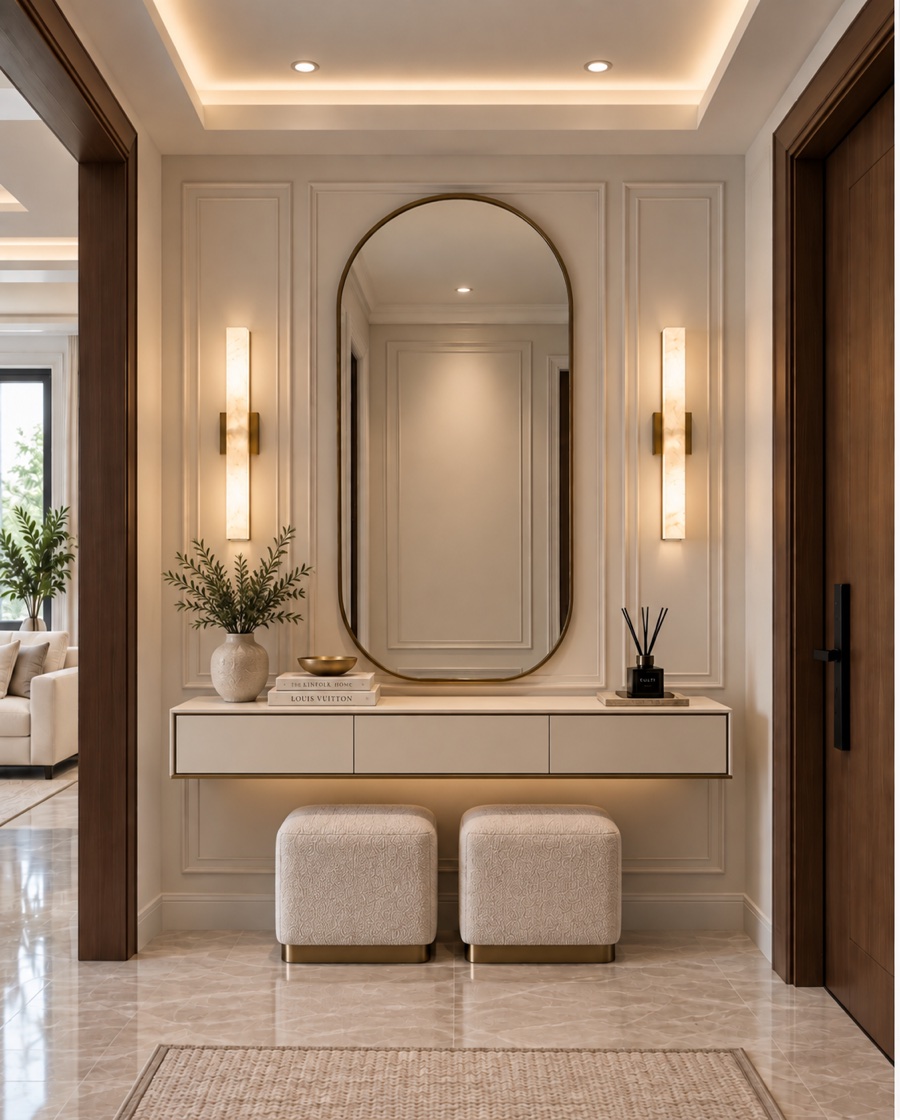

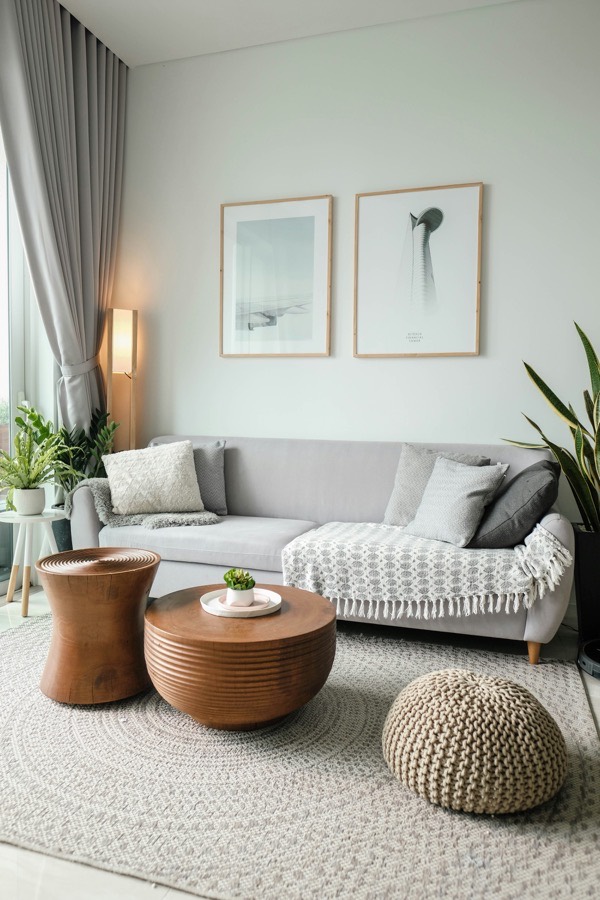
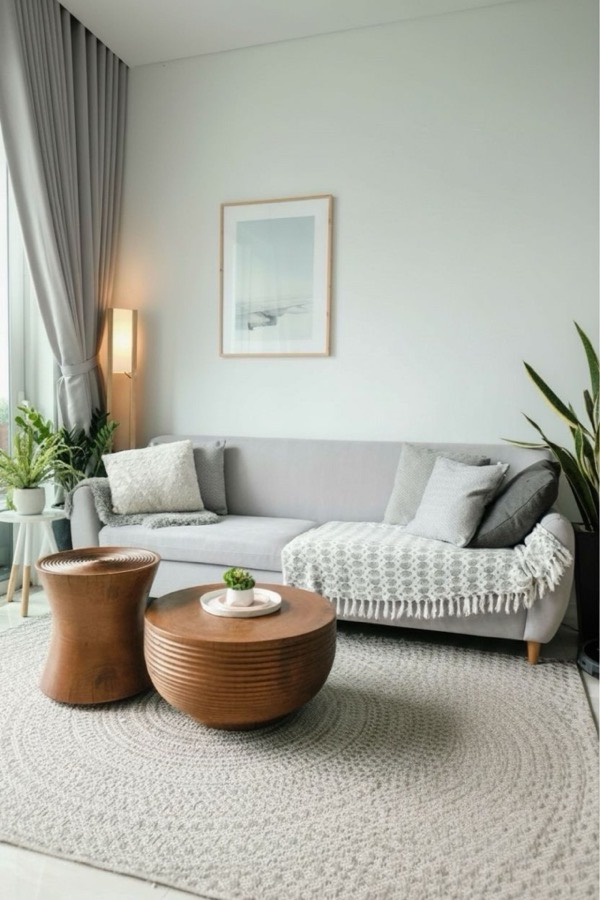
Brush it out. The room stays put.
Circle anything you don't want in the shot, and DecorIn paints it out — no reshoot, no editing skills needed.
Try it free above- ✓Works on furniture, clutter, cables, anything in frame
- ✓Fills the space in to match the room — no blank patch
- ✓Everything else stays exactly where it is
Before, and after
Drag the divider on any example. These are real DecorIn redesigns.
Not just another AI room generator.
Most tools redesign the whole room from a prompt and hope for the best. DecorIn is built around control, realism and your actual space.
Total control
Change one thing — a sofa, a wall, the floor — and keep everything else exactly as it is.
Keeps your real layout
Walls, windows, doors and camera angle stay true, so it looks like your room, not a stock render.
Editorial realism
Every design is styled and lit like an Architectural Digest feature — never flat or plasticky.
Effortless
One photo, one tap, a fully furnished room in about 20 seconds. No design skill needed.
Every room & style
Living rooms to balconies, Modern to Japandi — plus kitchens, kids' rooms and exteriors.
Free to start
Three redesigns free in your browser. No signup, no credit card. Keep going in the app.
Every AI can make a pretty room.
Only DecorIn keeps yours.
Seven questions people actually ask before they pay. Read the middle column — that’s the whole story.
“Typical AI room app” describes how most one-prompt room generators behave — whole-room regeneration, no per-object control, exports gated to the top plan.
Try it free — no signupA designer for every room
Each room and style has its own page — the free channel that brings people to DecorIn.
How to tell DecorIn what to change.
- Name the one thing. “Change the sofa” beats “make it nicer.”
- Add materials & color. “cream bouclé sofa,” “sage-green walls,” “light oak floor.”
- Set the mood. “warm, cozy evening lighting,” “bright and airy.”
- Keep the rest. Add “keep everything else” to protect the room you love.
Good to know
Is DecorIn really free to try?
Yes. You get a free redesign right here in your browser — no signup, no credit card. For unlimited designs, spot editing, HD downloads and 2D→3D, the DecorIn app is a free download.
Do I need to create an account?
No. Upload a photo, pick a style, and see your redesign. Accounts and the app come in only when you want to keep going.
Will it keep my room's layout?
Yes. DecorIn preserves your walls, windows, doors and camera angle, and restyles the furniture, color and decor around them.
What makes DecorIn different?
Control. Most AI tools redesign the entire room from a prompt. DecorIn lets you change one thing — the sofa, a wall, the floor — and keep everything else.
What photo works best?
A clear, well-lit shot from a corner so the AI sees the whole room. Avoid heavy blur and extreme angles.
Is a credit card required?
Never for the free web redesigns. The iOS app is also free to download, with optional upgrades once you're hooked.
Ready for the full studio?
Unlimited redesigns, spot editing, furniture replacement, 2D→3D and HD downloads — all in the free DecorIn app for iPhone & iPad.
📲 Download DecorIn — Free